Beautiful Screenshots.
For Windows and macOS.
Capture, annotate, and beautify in seconds — with blur, stunning backgrounds, and more.
macOS 13.1+ · Windows 10+ · No signup required
Three steps. That's it.
Capture
Press a shortcut or click to capture your screen, window, or a selected area.
Beautify
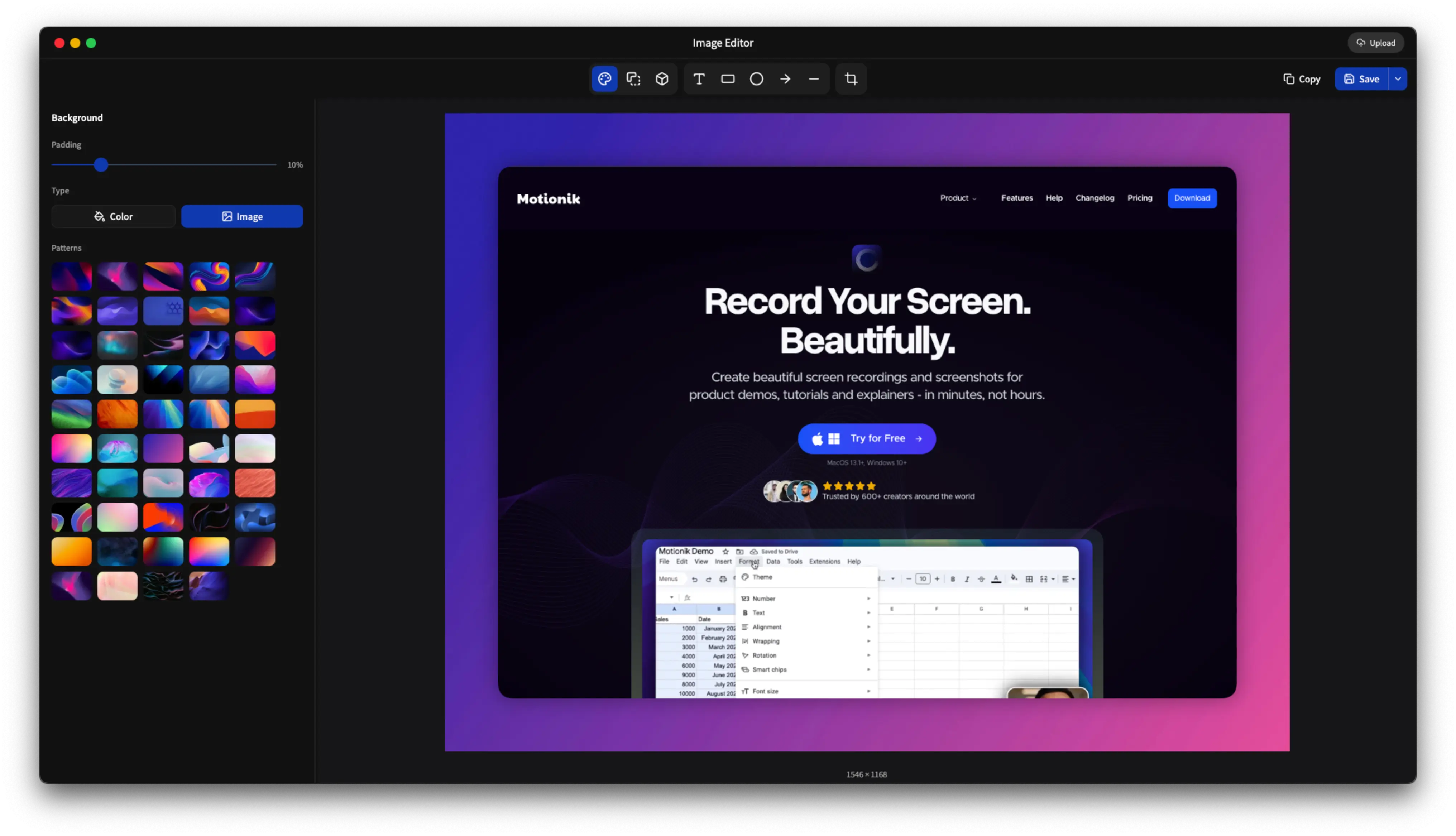
Add backgrounds, annotations, shapes, and 3D effects to make it look stunning.
Share
Copy to clipboard, save as PNG/JPG/WebP, or generate a shareable link.
Draw attention
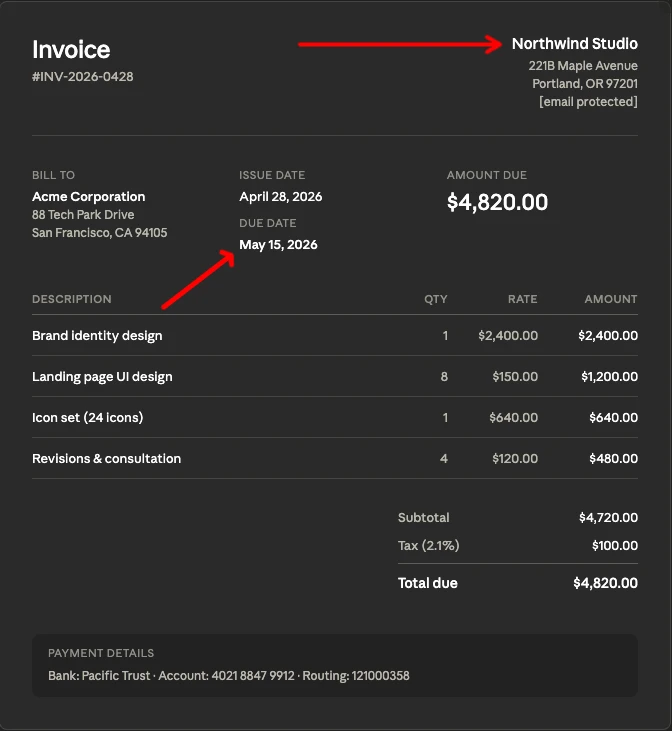
Powerful tools to highlight, explain, and draw attention to what matters.
Make every screenshot a masterpiece
Add stunning gradient backgrounds, solid colors, and image backgrounds to make your screenshots stand out.
Focus on what matters
Precisely crop your screenshots with pixel-perfect control. Remove distractions and highlight the important parts.
Polished edges, professional look
Add customizable rounded borders and padding to give your screenshots a clean, modern appearance.
Add depth and dimension
Apply professional 3D perspective transforms to give your screenshots a dynamic, eye-catching look.
Everything you need, nothing you don't
Packed with features to make every screenshot look professional.
Capture Anything
Take screenshots of your entire display, a specific window, or select a custom area.
One-Click Capture
Capture your screen with a single click or keyboard shortcut. No setup required.
Edit or Copy
Instantly copy to clipboard or open in the editor. Your workflow, your choice.
Beautiful Backgrounds
Add stunning gradient backgrounds to make your screenshots stand out instantly.
Annotations
Add text, arrows, shapes, and highlights to communicate clearly.
3D Perspective
Give your screenshots a professional 3D look with perspective transforms.
Smart Crop
Precisely crop to focus on what matters. Pixel-perfect control.
Export Anywhere
Save as PNG, JPG, or WebP. Optimized for any use case.
Shareable LinksPro
Generate instant shareable links to send screenshots to anyone.
Completely free
No subscriptions. No sign up. No credit card. Just download and start creating.
Everything included. No account required.
macOS 13.1+ · Windows 10+ · No signup required
What's coming next
Features we're actively working on.
Import multiple images & collage
Combine multiple screenshots into a single, beautiful collage.
Dynamic size & aspect ratio
Resize and adjust aspect ratio with background.