Recording the Entire Display
To record your entire display, follow these steps:
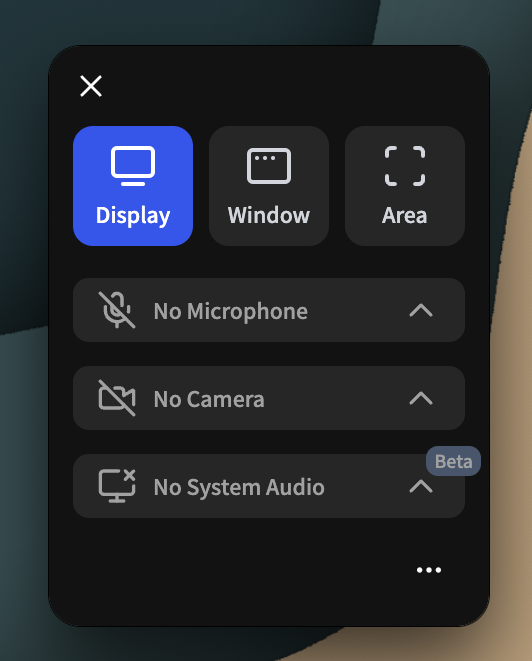
- Select Display from the recording options.
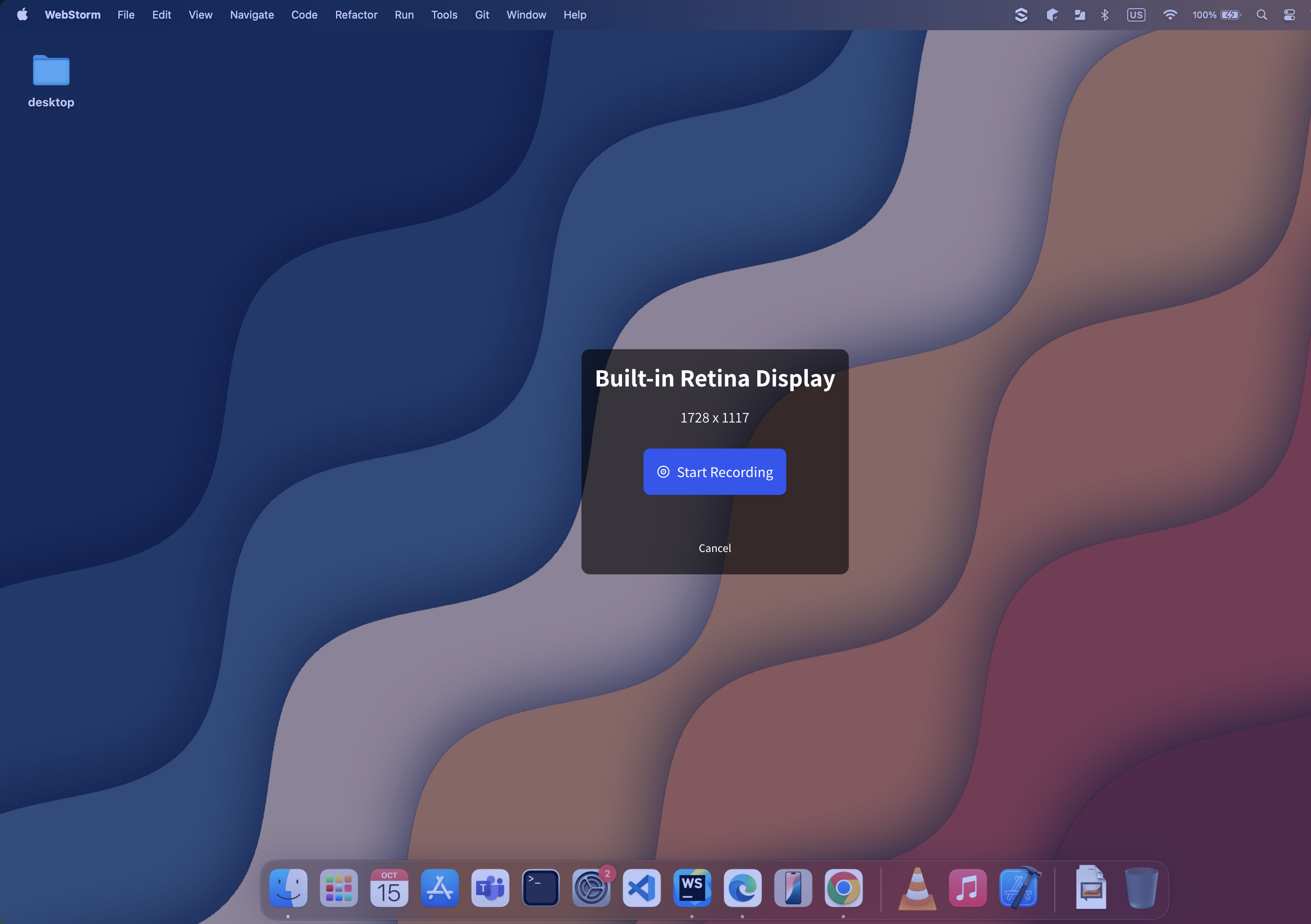
- On all available displays, overlays will appear with display information and a Record button.
- Click the Record button on the display you want to record.