Recording Webcam and Microphone
To record Webcam and Microphone, follow these steps:
- Click on "No Camera" or "No Microphone" from the recording options.
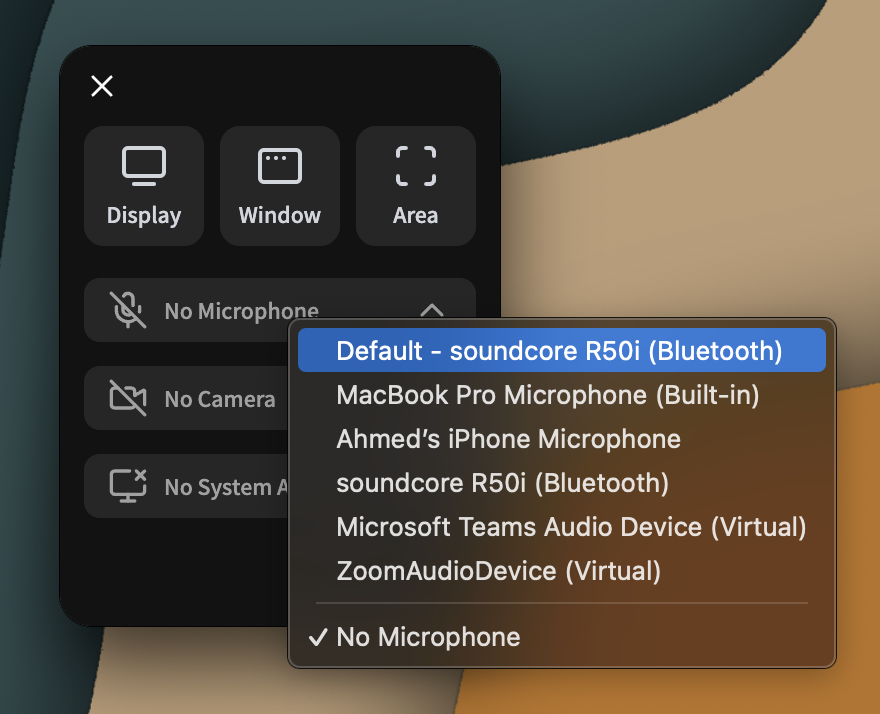
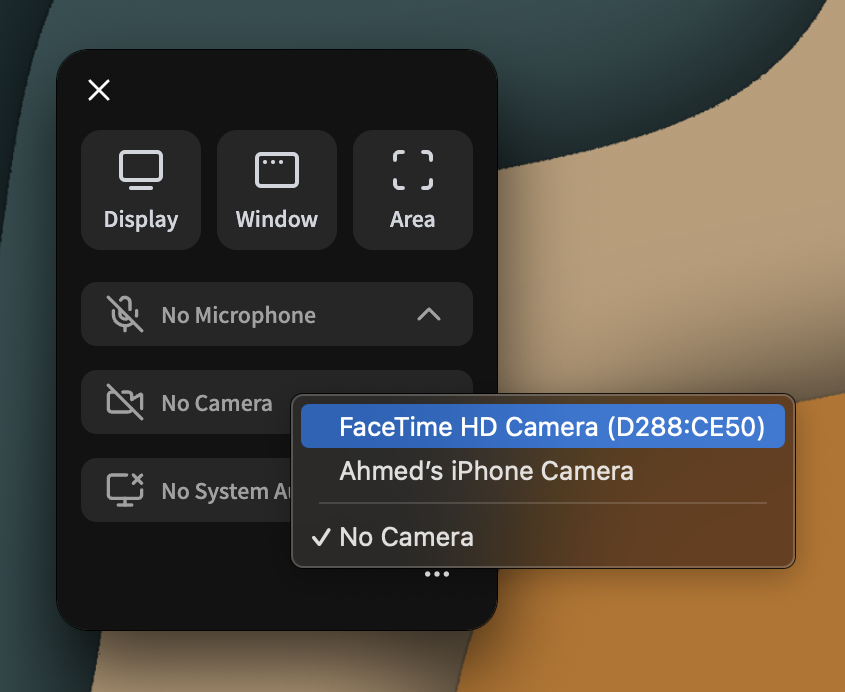
- Select the camera and microphone you want to use from the dropdown menus.
- Click the Record button to start recording.